- Published on
Why setTimeout(..., 0) Is (Almost Always) a React Code Smell
- Authors

- Name
- Ben Glasser
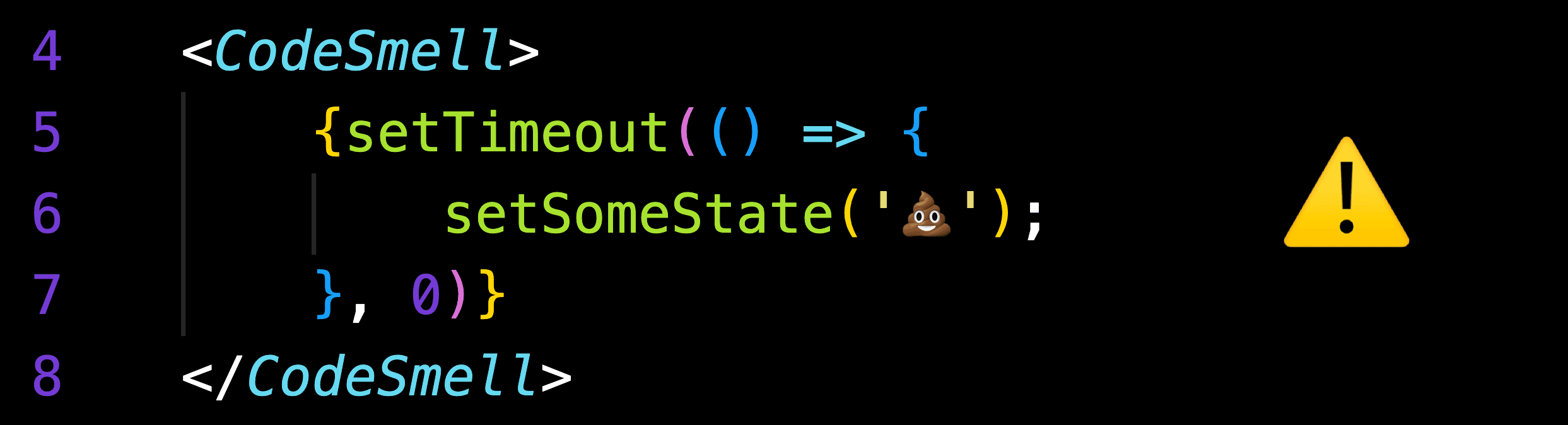 TL;DR:
 setTimeout(..., 0) is almost never the right answer in React. It masks bugs, creates memory leaks, introduces race conditions, and will cause migration pain when moving to React 18+. If you find yourself reaching for it, pause and reconsider the data flow.setTimeout(() => {
setSomeState(newValue)
}, 0)
This pattern may appear to fix timing issues — but it does so by fighting React’s rendering model rather than embracing it.
Why Do We Reach for setTimeout(..., 0)?
Developers usually use setTimeout(..., 0) to:
- “Defer” execution to the next event loop tick
- Work around timing issues where state “hasn’t updated yet”
- Force code to run after React’s render cycle completes
- “Fix” flickering or stale data issues
The underlying motivation is almost always the same:
“My code isn’t running in the order I expect.”
That’s a symptom of an architectural mismatch — not a timing problem. React is declarative and asynchronous by design. Trying to force execution order with timers is a red flag.
The Problems
1. Memory Leaks
When a component unmounts before the timeout fires, the callback still executes. It holds closures over component state and props and may attempt to update state on an unmounted component. Without proper cleanup, these orphaned callbacks accumulate — precisely the kind of leak React's effect cleanup mechanism was designed to prevent.
2. Race Conditions
setTimeout(..., 0) does not guarantee execution order relative to React's render cycle. State may change between when the timeout is scheduled and when it fires, leading to stale closures acting on outdated assumptions. Understanding how JavaScript's event loop works makes it clear why deferred callbacks can't reliably synchronize with React's internal scheduling.
3. React 17-Specific Batching Behavior (Migration Risk)
In React 17, state updates inside setTimeout are not batched:
setTimeout(() => {
  setA(1) // triggers render
  setB(2) // triggers another render
  setC(3) // triggers yet another render
}, 0)
Some code may rely on this behavior. In React 18+, these updates are automatically batched, meaning code that works today may behave differently after migration.
4. Future Migration Pain
React 18 introduced concurrent rendering, where renders can be interrupted, paused, or discarded. Any code relying on timing assumptions becomes significantly more unpredictable. Every setTimeout(..., 0) in the codebase is technical debt.
5. Other Issues
- Async timing makes tests flaky
- Masks root causes instead of fixing them
- Breaks React’s declarative model
- Encourages imperative timing hacks
Remediation Strategies
Instead of reaching for setTimeout, ask: “What am I actually trying to accomplish?”
| Problem | Solution |
|---|---|
| State isn’t updated yet | Compute derived values during render instead of storing redundant state |
| Need to respond to a change | Handle it in the event handler that triggered the change |
| Need DOM measurements | Use callback refs |
| Multiple state updates cause issues | Consolidate state or use useReducer |
| Child needs to notify parent | Pass a callback prop |
| Waiting for a value from parent | Lift state up or restructure component hierarchy |
The pattern to internalize: React state updates are processed before the next render. If your code needs a value that "isn't there yet," you are likely storing state that should be derived or handling logic in the wrong place. Thinking in React means designing components around their data dependencies, not execution timing.
If You Genuinely Need a Delay
For real timed behavior like debouncing, polling, or animations, track the timeout ID with a ref and clear it on unmount.
const timeoutRef = useRef<NodeJS.Timeout | null>(null)

const handleClick = () => {
  if (timeoutRef.current) {
    clearTimeout(timeoutRef.current)
  }

  timeoutRef.current = setTimeout(() => {
    // actual delayed work
  }, 300)
}

useEffect(() => {
  return () => {
    if (timeoutRef.current) {
      clearTimeout(timeoutRef.current)
    }
  }
}, [])
Final Takeaway
setTimeout(..., 0) is rarely a solution — it’s a symptom. When you see it, pause, question the data flow, and fix the architecture instead of the timing.